Tuling Institutional HCM module
Personnel Records
A single employee master record with a real hire-to-active lifecycle, not a flat spreadsheet with a photo attached.
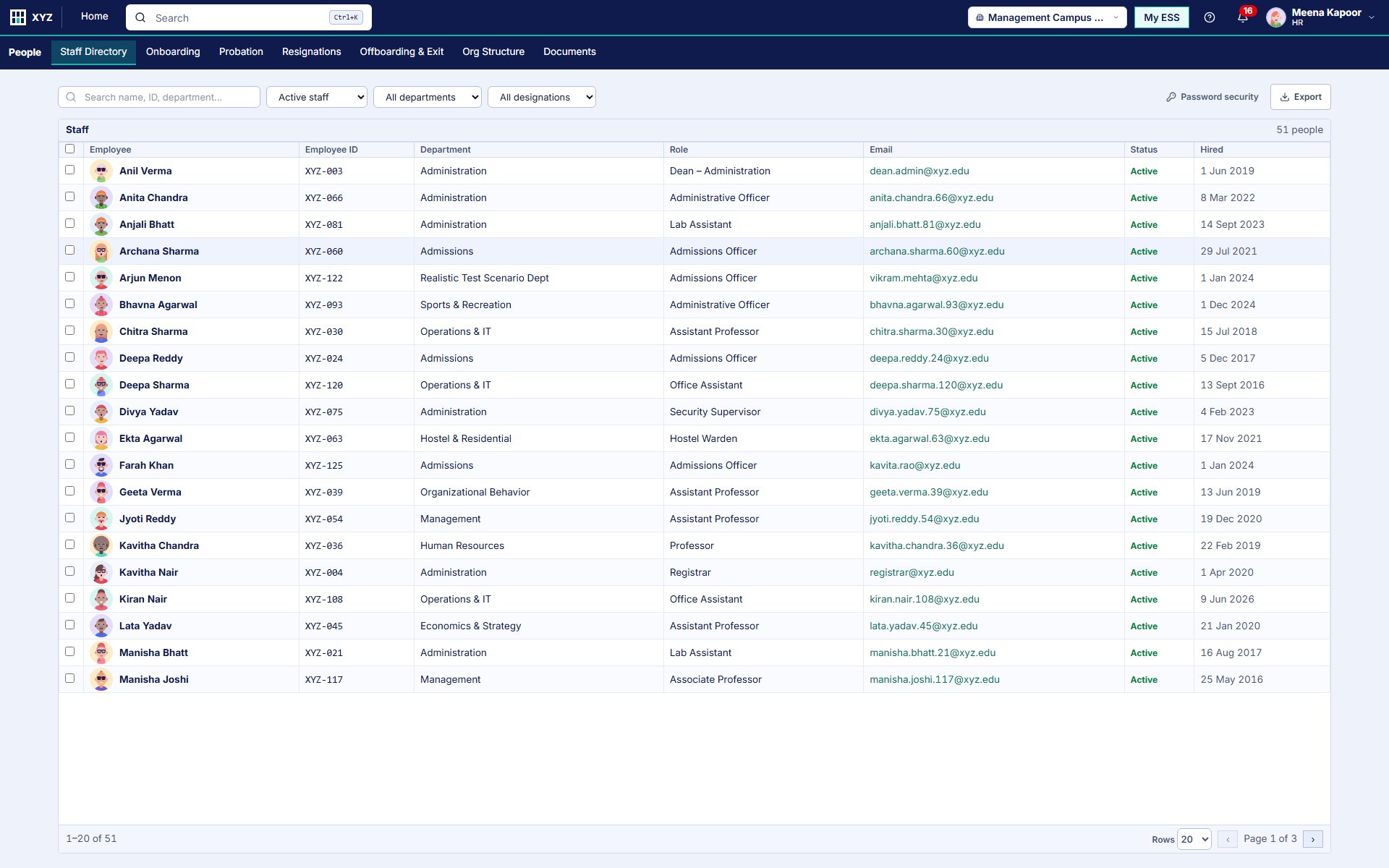
Personnel Records in action
Screens from the Tuling ERP. Select one to view it full size.
About this module
The personnel module is the system of record for every employee — but unlike a flat HR spreadsheet, every record has a real lifecycle with explicit approval gates, not just a status column someone edits by hand.
A new hire doesn’t start as “active” — they move through pre-hire, hire-approval, and activation, each a deliberate step with an approver. That matters when an audit asks “who approved this hire and when,” a question a spreadsheet can’t answer.
Capabilities
-
Governed Hire-to-Active Lifecycle
Every employee record moves through explicit states — pre-hire, pending hire approval, hire approved, active, confirmed, on notice, resigned/terminated, suspended — not a single "active" flag that hides what actually happened.
-
Self-Service Onboarding Portal
A token-based onboarding link pre-populated with the offered CTC and salary template, so a new hire fills in their own details instead of HR re-typing a résumé into the system.
-
Configurable Onboarding Checklists
Onboarding task templates scoped by department and designation — a Librarian and a Registrar don't get the same joining checklist.
-
Qualification & Training Registry
A structured qualification and training record per employee, with UGC/AICTE/NEP-2020 compliance flags and mandatory-vs-preferred qualification requirements tied to each designation.
-
Biometric & Statutory Configuration
Biometric device enrollment ID and statutory configuration (PF/tax-regime triggers) live directly on the employee record, feeding attendance and payroll without duplicate data entry.
-
Data Subject Rights Built In
Access, erase, and correct requests (DSAR) are handled directly on the employee record — not a manual process someone has to remember when a data protection request comes in.
FAQ